How Varify.io works
Table of contents
In short
This article explains the basics of the Varify AB testing platform. You will learn why Varify separates the tracking from the delivery of the experiment and how this is implemented technically.
Basics
Create variants and experiments
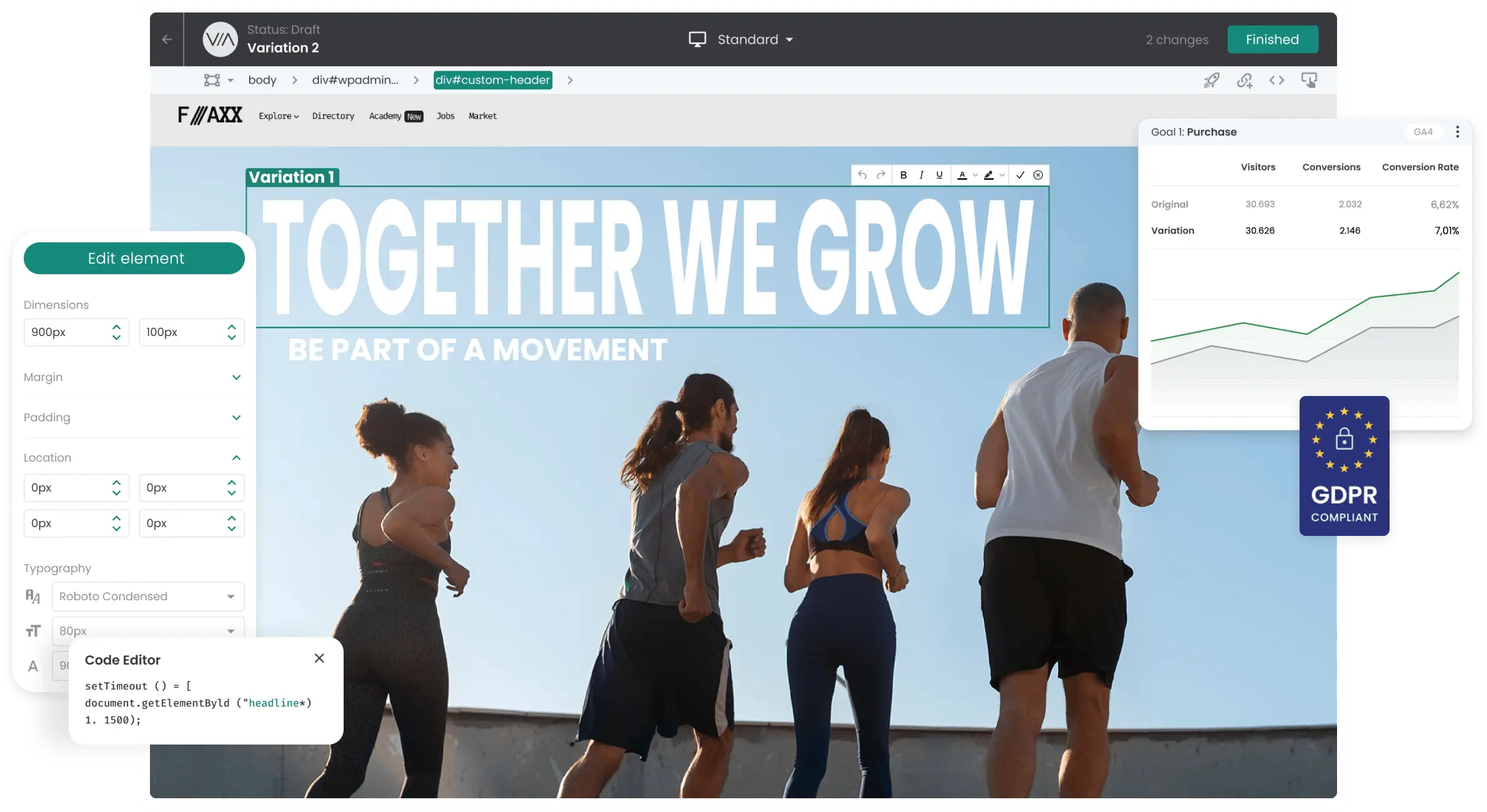
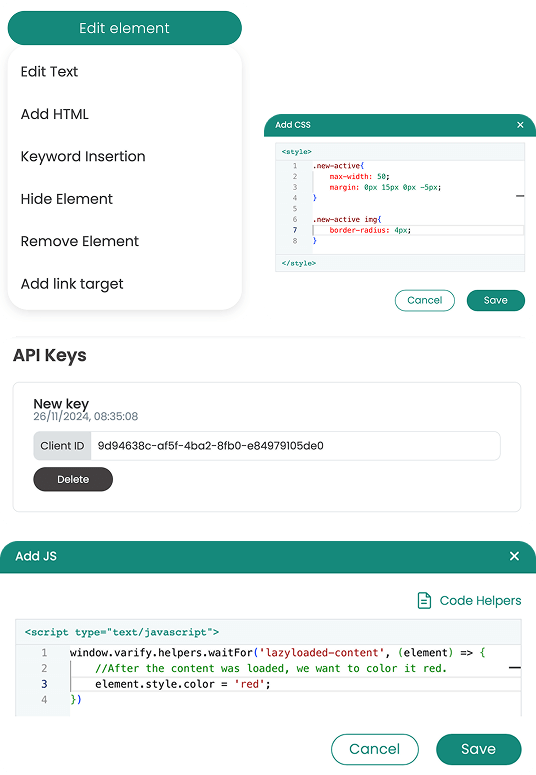
Varify is an A/B testing platform that you can use to test changes to your website. There are two ways to do this: You can create customizations directly in the visual WYSIWYG editor or work with your own JavaScript and CSS.
You save each change as a variant in an experiment. An experiment can consist of any number of variants.
Control delivery of the experiments
To ensure that the right users see the right variants, you control the delivery using targeting rules. With page targeting, you determine on which pages an experiment should run. Audience targeting allows you to determine which users see the experiment and under which conditions it is delivered.
If certain experiments should not run simultaneously, you can use mutual exclusions. This ensures that tests do not influence each other.
Quality control with the QA mode
Before you start an experiment, you can check the QA Mode check whether your variant works as expected and whether the targeting delivers the experiment under the right conditions.
Delivery and distribution of variant assignments
As soon as a website visitor fulfills all targeting conditions and the experiment has been started, they are randomly assigned to a variant. The assignment follows the traffic distribution you have defined, for example 50:50 in a classic A/B test.
If a user has already been assigned to a variant of this experiment, this assignment remains in place.
Tracking and evaluation of the experiments
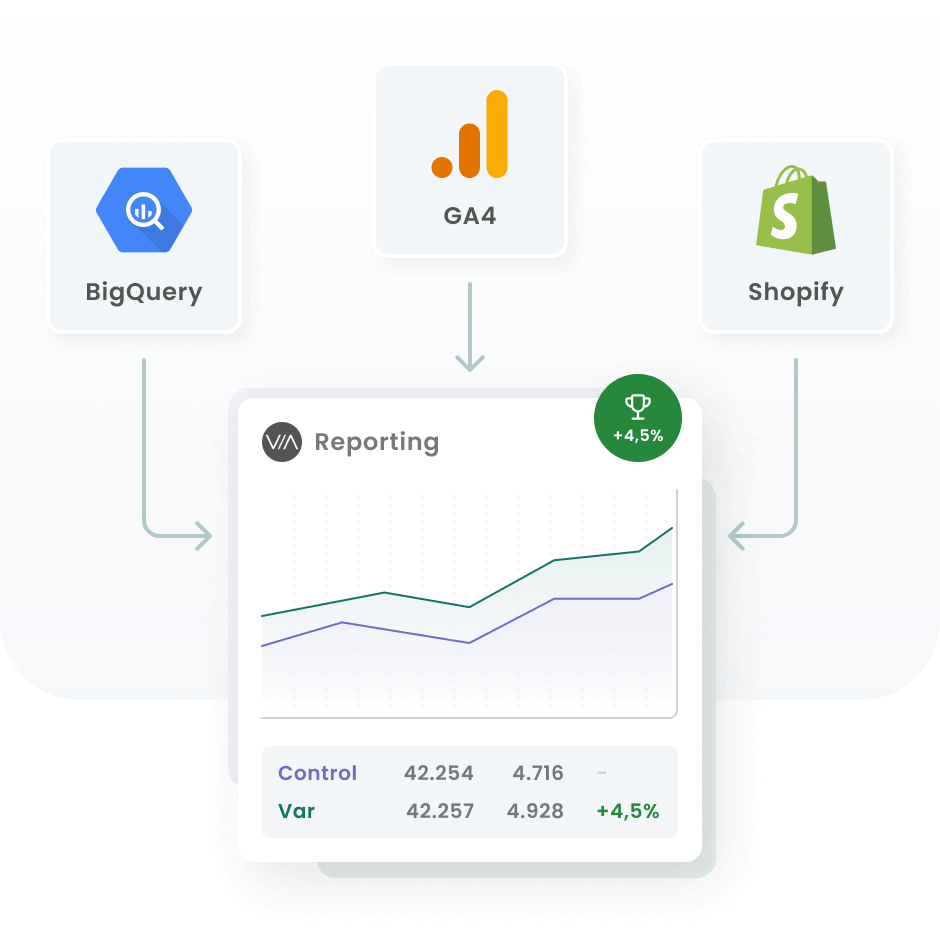
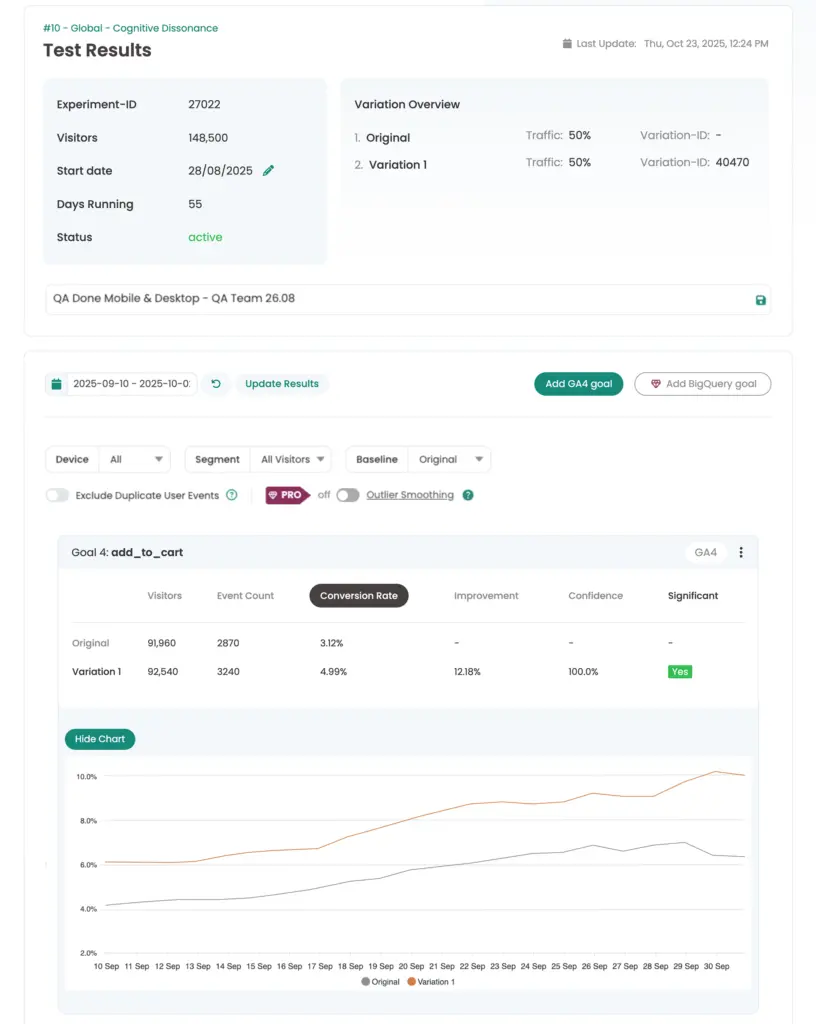
Varify evaluates experiments with the data from your existing web analytics tool. Unlike many other A/B testing tools, Varify does not use its own, separate experiment tracking. Instead, Varify sends events with the required experiment and variant parameters to your web analytics tool.
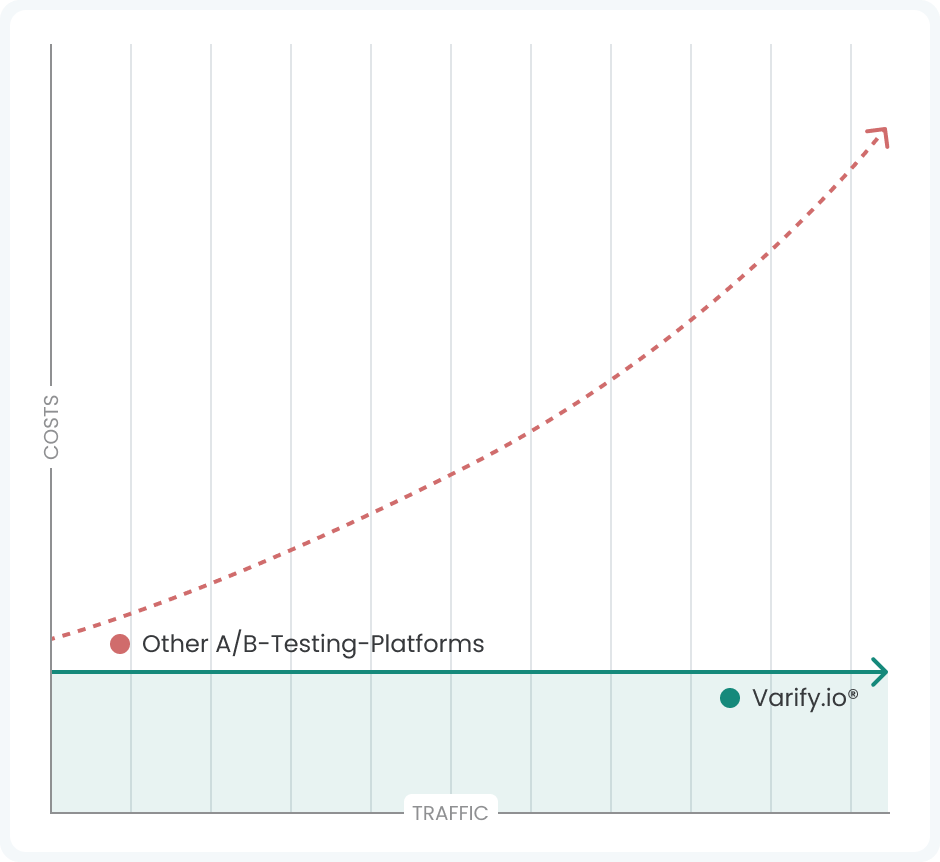
This has several advantages: You work with a single source of truth and rely on your own data. You also save on tracking costs because there are no duplicate tracking hits. And you can continue to carry out your analysis in your usual tool, including your existing goals and reports.
Varify can import data from GA4, BigQuery, Shopify and PostHog. This allows you to evaluate experiments directly in Varify based on this data.
Varify separates experiment delivery and tracking by default, which is why a separate tracking setup is always required.
Why is delivery separated from tracking?
Delivery
- Experiments can be delivered as soon as the page is loaded, regardless of the status of your tracking tool.
- If the snippet is integrated into head tag the of your website, experiments are initialized even faster and are delivered before GTM — without flickering.
Tracking
- To ensure that the tracking event is fired at the right time (i.e. only when your tracking tool is ready to receive data) despite the fast delivery of the experiments, you need a separate tracking setup.
- Varify only sends tracking events if your analytics tool can receive events.
- For example, after complete initialization of the analytics tool
- or as soon as the analytics tool is allowed to receive data (for example, after the user has given consent)
How is delivery separated from tracking?
To separate tracking and experiment delivery, we work with two separate setups.
Varify Snippet - Installation of Varify on the website
- Loads the editor to make changes to the page
- Delivers experiments as soon as all targeting conditions are met
- Assigns users to a variant of the experiment
- Fires tracking events in the DataLayer as soon as Varify Tracking gives the go-ahead
Varify Tracking - Triggering tracking and linking to the analytics tool
- Tracking Setup usually set up via the Google Tag Manager
- Varify Activation Tag: is linked to the existing analytics tool integration and gives the Varify snippet permission to push tracking events into the DataLayer
- Varify Tracking Linker Tag: picks up the DataLayer tracking events and sends them to the analytics tool
First steps
Tracking & web analytics integrations
- Tracking with Varify
- Manual Google Tag Manager tracking integration
- Automatic GA4 tracking integration
- Shopify Custom Pixel Integration via Google Tag Manager
- Shopify Tracking
- BigQuery
- PostHog evaluations
- Matomo - Integration via Matomo Tag Manager
- etracker integration
- Piwik Pro Integration
- Consent - Tracking via Consent
- Advanced Settings
- Tracking with Varify
- Manual Google Tag Manager tracking integration
- Automatic GA4 tracking integration
- Shopify Custom Pixel Integration via Google Tag Manager
- Shopify Tracking
- BigQuery
- PostHog evaluations
- Matomo - Integration via Matomo Tag Manager
- etracker integration
- Piwik Pro Integration
- Consent - Tracking via Consent
- Advanced Settings
Create experiment
Targeting
Reporting & evaluation
- Reporting in Varify.io
- BigQuery
- Segment and filter reports
- Share report
- Audience-based evaluation in GA4
- Segment-based evaluation in GA 4
- PostHog Tracking
- Exporting the experiment results from Varify
- Matomo - Results analysis
- etracker evaluation
- Calculate significance
- User-defined click events
- Evaluate custom events in explorative reports
- GA4 - Cross-Domain Tracking
- Reporting in Varify.io
- BigQuery
- Segment and filter reports
- Share report
- Audience-based evaluation in GA4
- Segment-based evaluation in GA 4
- PostHog Tracking
- Exporting the experiment results from Varify
- Matomo - Results analysis
- etracker evaluation
- Calculate significance
- User-defined click events
- Evaluate custom events in explorative reports
- GA4 - Cross-Domain Tracking
Visual editor
- Campaign Booster: Arrow Up
- Campaign Booster: Exit Intent Layer
- Campaign Booster: Information Bar
- Campaign Booster: Notification
- Campaign Booster: USP Bar
- Add Link Target
- Browse Mode
- Custom Selector Picker
- Edit Content
- Edit Text
- Move elements
- Hide Element
- Keyword Insertion
- Redirect & Split URL Testing
- Remove Element
- Replace Image
- Responsive Device Switcher
- Style & Layout Changes
- Campaign Booster: Arrow Up
- Campaign Booster: Exit Intent Layer
- Campaign Booster: Information Bar
- Campaign Booster: Notification
- Campaign Booster: USP Bar
- Add Link Target
- Browse Mode
- Custom Selector Picker
- Edit Content
- Edit Text
- Move elements
- Hide Element
- Keyword Insertion
- Redirect & Split URL Testing
- Remove Element
- Replace Image
- Responsive Device Switcher
- Style & Layout Changes