
Add HTML
Table of contents
In short
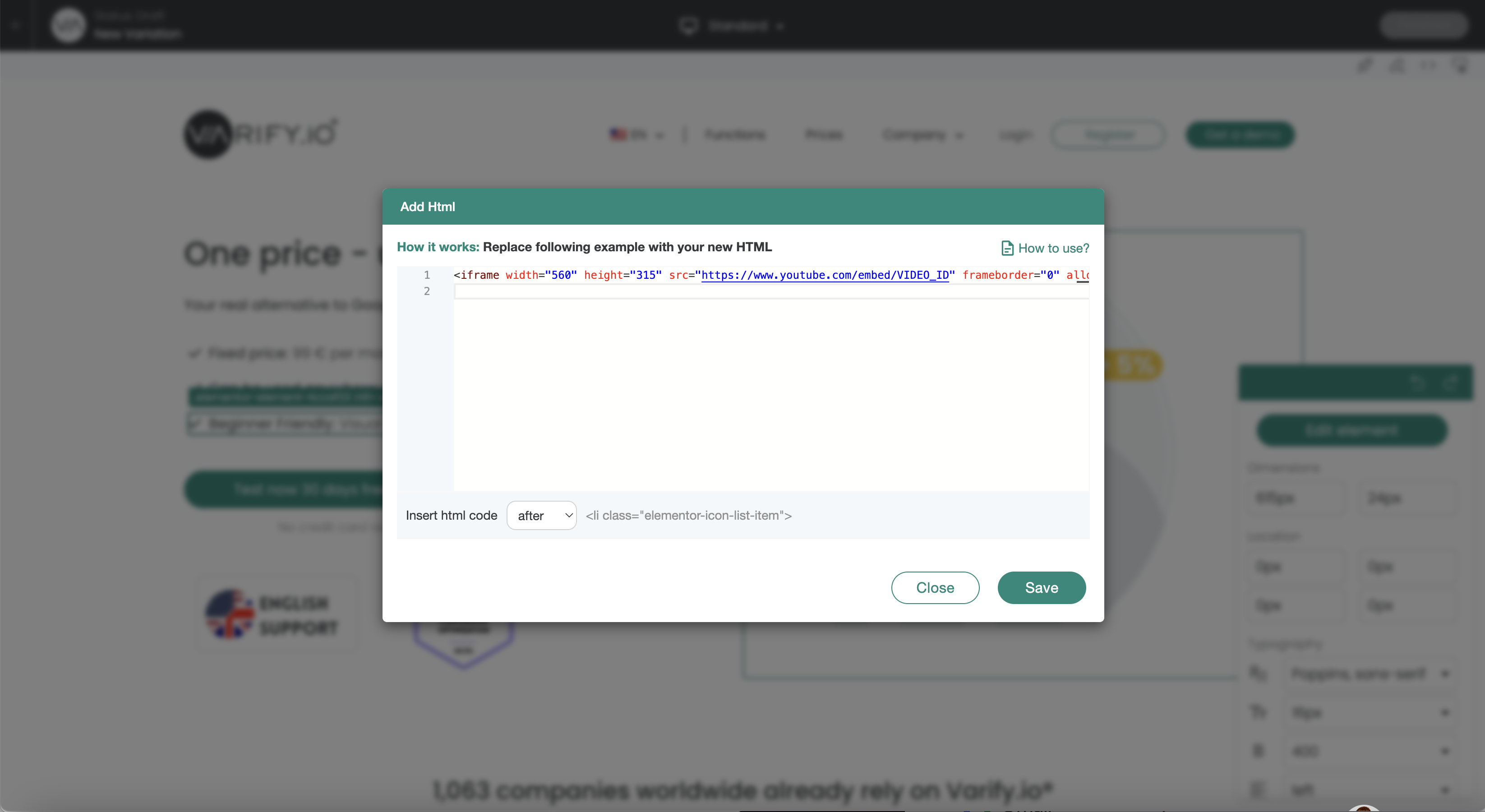
The „Add HTML“ feature lets you add new code to your website. This function should only be used by experienced users.
Use Cases
Important Notice:
Elements that have been inserted using „Add HTML“ cannot be edited later using the editor.
Example: The target URL of an element (button) that has been inserted cannot be changed later using „Add Link Target.“.
Overview of exemplary Use Cases
Add heading
<h1>Your new headline</h1>
Add text
<p>Your new text</p>
Add call to action button
					<a href="https://www.beispiel.de" target="_blank" rel="noopener">
  <button style="background-color: #007bff; color: white; padding: 10px 20px; border: none; cursor: pointer;">Learn more</button>
</a>
Add testimonial / quote
					<blockquote>
  <p>"This product has changed my life!" - Max Mustermann</p>
</blockquote>
Add images
<img decoding="async" src="data:image/svg+xml,%3Csvg%20xmlns='http://www.w3.org/2000/svg'%20viewBox='0%200%200%200'%3E%3C/svg%3E" alt="Product description" data-lazy-src="http://url-zum-bild.jpg"><noscript><img decoding="async" src="url-zum-bild.jpg" alt="Product description"></noscript>
Add lists
					<ul>
  <li>Free shipping</li>
  <li>30 days return policy</li>
  <li>24/7 customer support</li>
</ul>
Add advantages
					<ul style="list-style-type: none;">
  <li><span style="color: green;">✔</span> Free shipping</li>
  <li><span style="color: green;">✔</span> 30 days return policy</li>
  <li><span style="color: green;">✔</span> 24/7 customer support</li>
</ul>
Add iframe / YouTube video
<iframe width="560" height="315" src="https://www.youtube.com/embed/VIDEO_ID" frameborder="0" allow="accelerometer; autoplay; encrypted-media; gyroscope; picture-in-picture" allowfullscreen></iframe>