Custom Selector Picker
In short
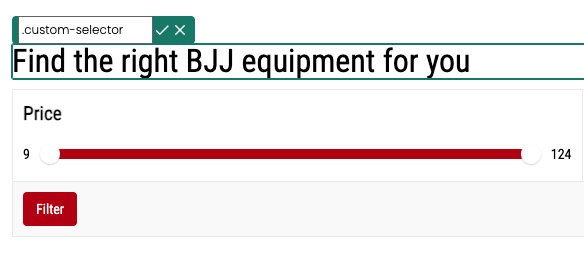
The ‚Custom Selector‘ feature allows you to specifically select and customize CSS selectors in the visual editor, even if they aren't directly accessible by clicking on an element.
How to use the function
In the Varify Editor, a pencil icon is displayed next to the CSS identifiers when you click on an element. By clicking on this icon, you can enter a CSS selector that exists on your page and that you would like to select.
After you confirm your entry with the tick, the editor selects the first element with these selectors and jumps directly to it.