
Server-Side Testing
Assign variations on your own server before the page renders. No client-side JavaScript for the variation, no flicker, and full control over the implementation for your development team.
What you can do with it
The variation is decided on the server and delivered in the initial HTML, so visitors never see the original switch.
Run experiments in headless setups and server-side rendered applications.
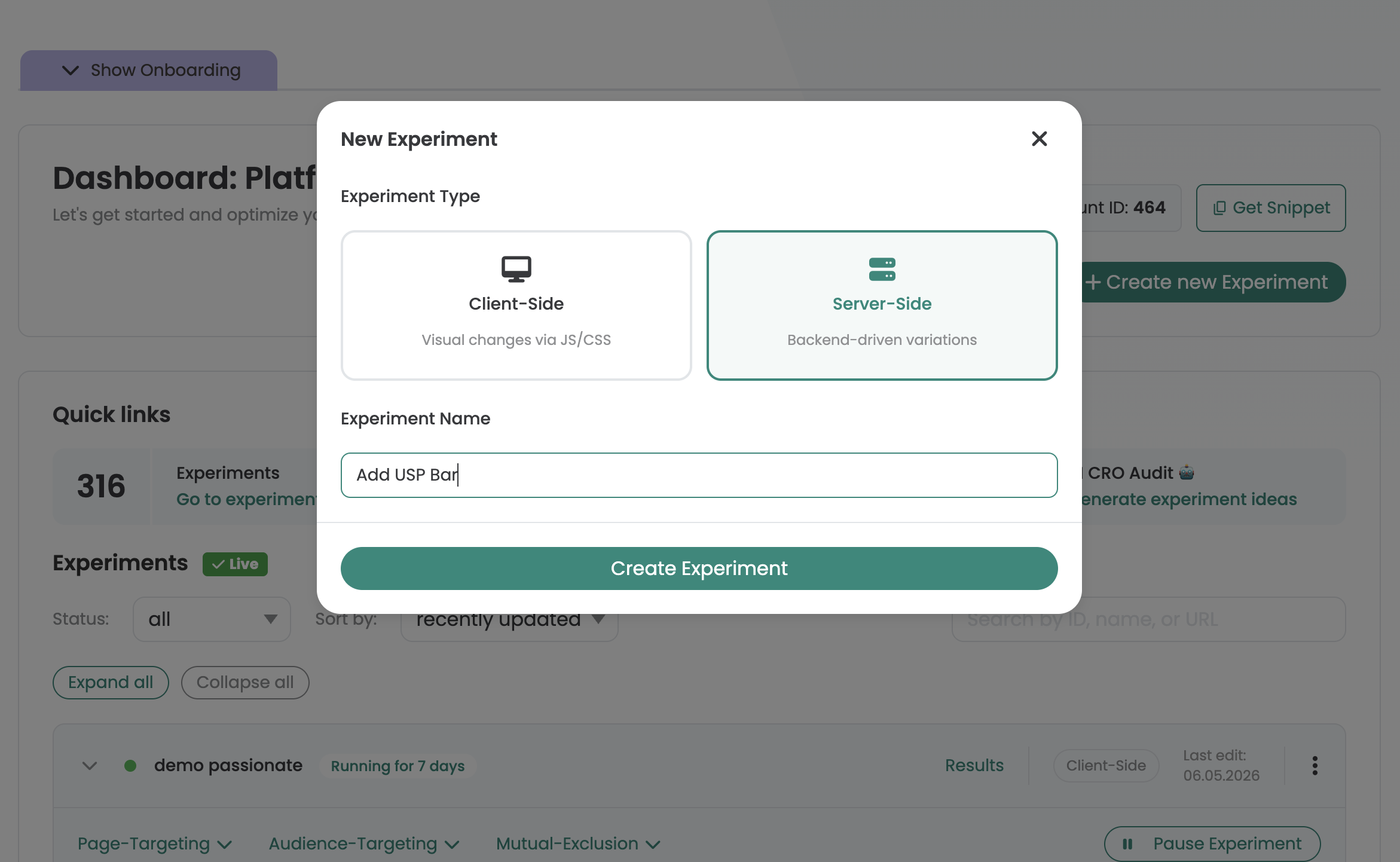
Targeting, traffic distribution, start and stop stay in the Varify dashboard. Your code creates the user, asks which variation to render and writes the tracking block.
How it works
Create a server-side experiment in the dashboard, then your development team connects two API endpoints to the existing backend logic:
On a visitor's first request, the API returns a userId. Your system stores it in a cookie, a session or your database.
Ask which variation the user gets for an experiment. The assignment is deterministic: the same user always gets the same variation for that experiment. null means the original.
Your backend renders the matching version and writes the returned tracking block into the HTML. Varify then triggers the tracking, respecting the user's consent status.
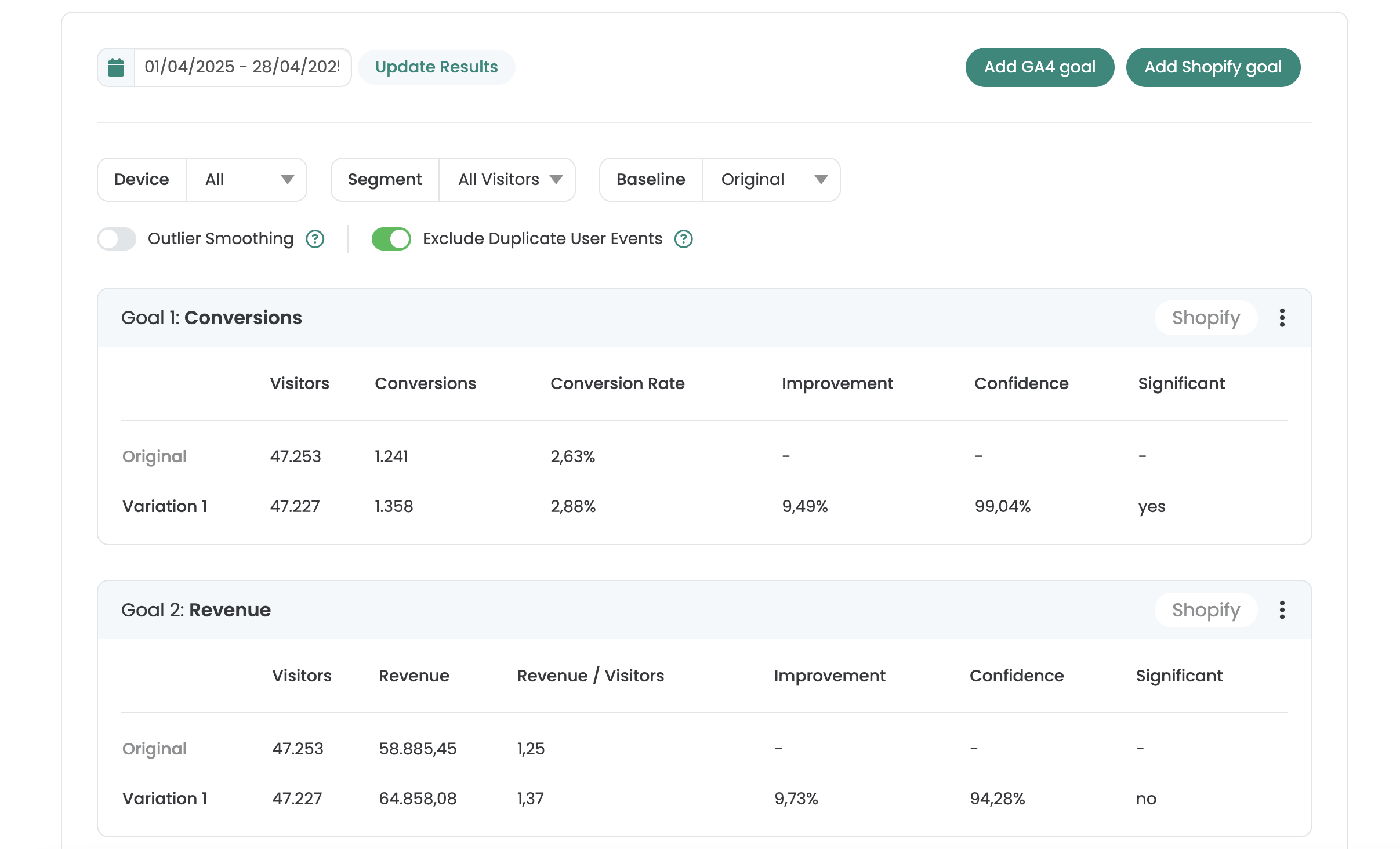
Server-side results, same Varify report
Your backend picks the variation. Varify evaluates it in the same report as your client-side tests.
- Goals from GA4, BigQuery, Shopify or Varify Realtime Tracking
- AI Results Summary
- Filter by date, device and segment
- Share by link or export as CSV
Not sure which plan fits? Compare all plans
Frequently asked questions
Yes, for results. The server decides and renders the variation, but Varify must be on the page to read the tracking block in your HTML and trigger the tracking, even if varify.js plays no other part in the experiment.
The dashboard then shows only the experiment configuration and no results, because the delivery API has no endpoint for reporting events.
Yes. The full OpenAPI 3.1 reference with every endpoint, parameter and error code is at app.varify.io/ss/docs.



 G2 REVIEWS





See server-side testing in action on your own site.
Choose how you want to get started.
Demo call
Recommended30 minutes with a CRO expert, live on your site.
- We build a test live on your site
- You get your first AI test ideas
- A clear answer on whether Varify fits your setup
Free 15-day trial
Prefer to try it yourself? Add the snippet and get going.
- Every feature for 15 days
- No credit card required
- Set up in minutes
GDPR-compliant · cookie-less · hosted in the EU · Fixed price per domain, regardless of traffic