
Test Varify with the Chrome extension
Table of contents
In short
In this guide, you will learn how to test Varify with the Chrome extension. You can try out the editor and create variants directly on your website - without installing the Varify code snippet.
How to test Varify locally in your browser
Step 1: Install the Varify Chrome Extension
- Download the extension:
- Download the Varify.io Chrome extension.
- You can find the extension under: Varify.io Chrome Extension
- Installation and activation in Chrome:
- Click on "Add" to install the extension.
- Activate the extension after installation.
- Add them to your extension bar in Chrome by pinning them
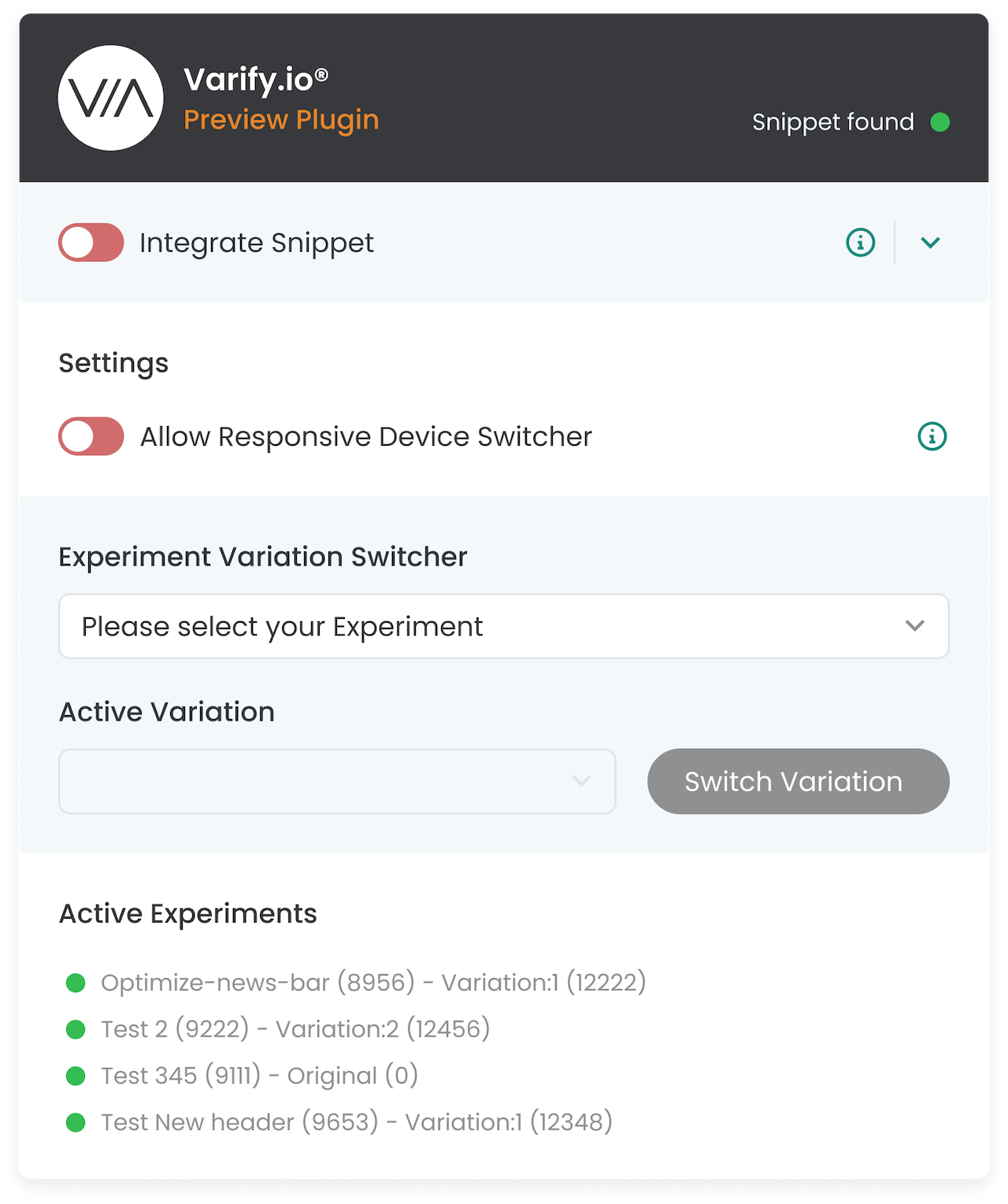
Step 2: Copy the Varify code snippet into the extension
- Open the Varify dashboard and click on “Get Snippet Here”.
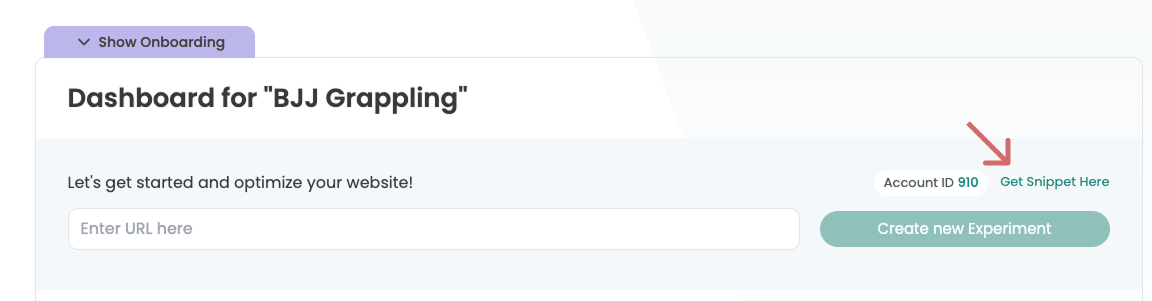
- Copy the Varify snippet displayed there.
- Open the Varify.io Chrome extension.
- Unfold the Integrate Snippet section.
- Paste the copied snippet into the "Your Snippet Code" field within the extension.
- Enter the domain of the website you want to test in the „Domain“ field (example: test.com or varify.io)
- Save the snippet and domain by clicking „Save Snippet“
- Activate the toggle switch "Integrate Snippet" to execute the snippet only in your browser.
ImportantThis version only applies to your browser and is not visible to other users. As soon as the Varify snippet has been integrated directly into the website, you should deactivate the toggle switch again to avoid duplicate implementations.

Use Cases
Example 1: Test Varify Editor
You can try out the Varify Editor without integrating the snippet directly into your website. This allows you to familiarize yourself with the functions and test initial changes.
Example 2: Creating initial test experiments
Set up initial experiments and only display them in your own browser. This way you can check how changes look before you permanently integrate the snippet into the website.
Further functions of the Varify Chrome Extension
In addition to the Varify test function, the Varify Chrome Extension also has other functions. You can find an explanation of all the functions here: Chrome browser extension