
AI CRO Audit
In short
With the AI CRO Audit, you can have individual websites analyzed to assess your current optimization status. You will also receive 10 specific test ideas that you can implement and check directly.
How to use the function
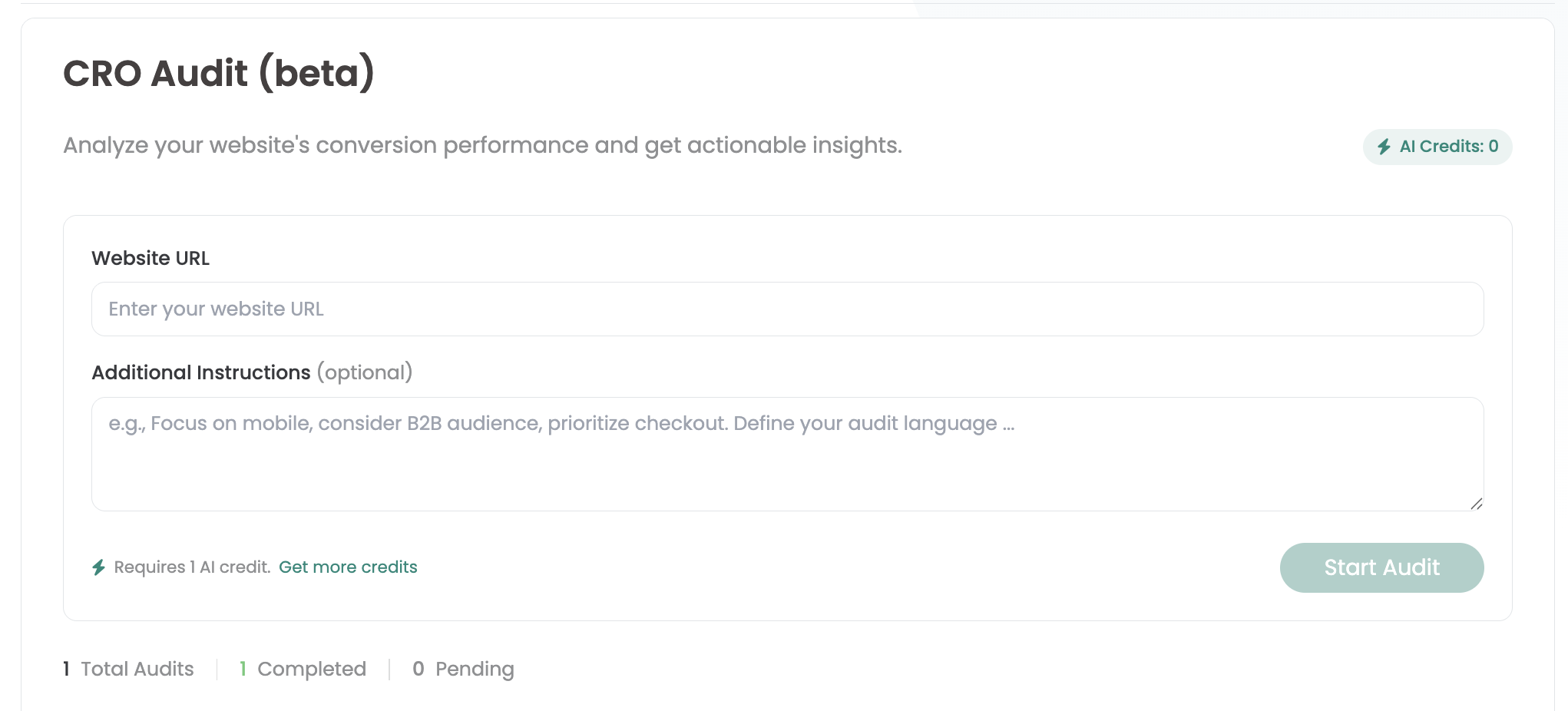
In the Varify dashboard you will find the AI CRO Audit section under „Quick Links“.
There you can simply enter the URL of the website you want to analyze - for example test.com/products/sneakers.
Optionally, you can use „Additional instructions“ to provide an additional briefing, for example on the desired focus of the analysis or on your target group.
After you click on „Start Audit“, the audit is started. The creation can take up to 5 minutes. The results are then displayed directly on the page.
AI Credits
You use 1 AI credit with each audit. In the trial version, you can use AI credits once free of charge. You can find all the details about the available credit packages and plans on our AI Credits page.